Create your account
Create a Cloud Score organization as its Admin, join as a Member, and understand sessions and workspace isolation.
On this page
Create an account
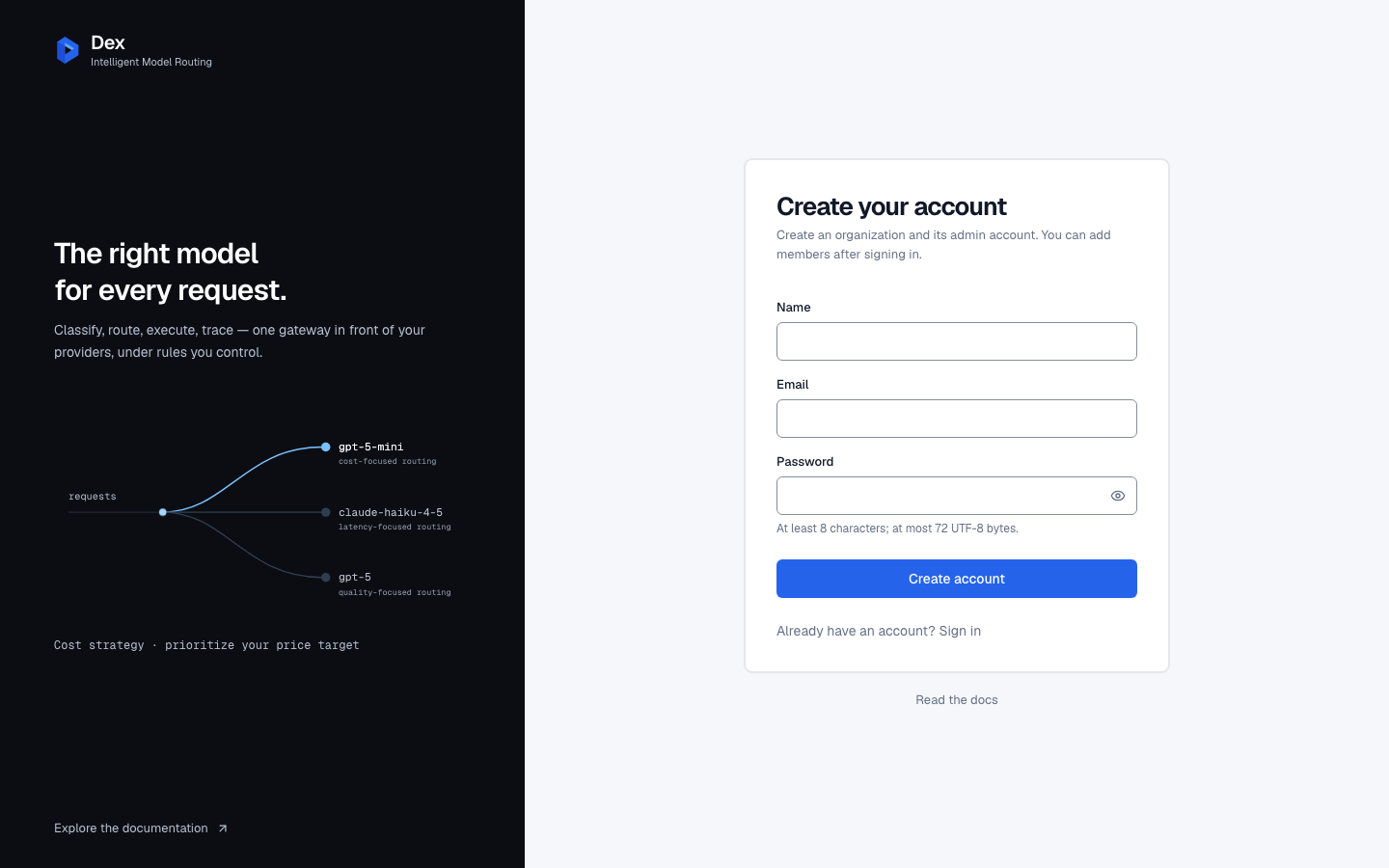
When public signup is enabled, choose Create an account from the sign-in page and enter your details. Signup creates your organization and makes you its initial Admin. To join an existing organization, sign in with the account its Admin creates for you.
| Field | Rule |
|---|---|
Name | A non-empty name after trimming. Shown in your account menu. |
Email | A valid address that is not already registered. Stored lower-cased. |
Password | At least 8 characters. Show password reveals the field while you check it. |
Fill
Name,Email, andPassword.Choose
Create account.The button reads
Creating account…while the request is pending.Open your workspace on
Overview.Connect a provider and create a gateway key before sending your first Playground request.
| The form says | What to do |
|---|---|
Enter your name. | Supply a non-empty name. |
Enter a valid email address. | Check the address. |
Use at least 8 characters. | Use a password within the stated limits. |
This email is already registered. | Sign in instead. |
| Signup is closed | Contact your installation operator. To join an existing organization, ask its Admin to create a Member account. |
| Too many attempts | Wait for the stated retry interval before trying again. |
Account creation is temporarily unavailable. Please try again. | Retry after a connection or server failure. |
Signup availability and member access
Public signup can be closed.
Your installation operator controls whether new organizations can sign up. If signup is closed, contact the operator for access. Existing accounts can still sign in.
An organization Admin creates Member accounts using a name, email and initial password, then shares those credentials securely. Members use the same sign-in page and core application features. Only the Admin manages teams and members.
A teammate joins your organization
- What you do
Sign in using the email and initial password your Admin supplied.
- What Cloud Score does
Opens the existing organization and requires a password change when configured for your account.
- What you see
Your organization's application pages after completing any required password change.
Sign in
Enter
EmailandPassword.Choose
Sign in.The button reads
Signing in…until the request completes.Return to your workspace
After an expired-session redirect, sign-in returns to the requested Cloud Score page. Direct sign-in opens
Overview. External return targets are rejected.
| The form says | It means |
|---|---|
Invalid email or password. | The credentials do not match; unknown addresses and wrong passwords use the same message. |
| Too many attempts | The server has limited sign-in attempts. Wait for the stated retry interval. |
Sign in is temporarily unavailable. Please try again. | A connection or server failure prevented sign-in. |
Your session
- A session lasts 24 hours from sign-in and is not extended by activity.
- The next authenticated query after expiry sends you to sign in. Until then, an already loaded screen may still show its last snapshot.
Sign outinvalidates your existing login sessions and clears this browser's session cookie, saved Playground key, system prompt, preferences and query cache after the server confirms success. Organization API keys are managed separately.- Opening sign-in or sign-up also clears saved Playground state. Changing accounts clears state before the new workspace renders.
- A visit to the public docs while signed in keeps your Playground state.
If sign-in immediately loops on a plain http:// server, ask your operator to check HTTPS and session-cookie configuration.
Your workspace is yours
Providers, keys, policies and request history belong to your organization. Its Admin and Members share core application access, while other organizations cannot access that data. Your account menu shows your individual name and email verified by the server.
Related
- API keysIssue the platform keys that authenticate every gateway request, and set what each key carries: a monthly budget, body storage, a security profile, sandbox rights, and cost attribution defaults.
- Home dashboardsA recorded view of request outcomes, estimated cost avoided, routing, optimization, policy attribution, and operational health for the traffic you select.
- TroubleshootingThe messages Cloud Score puts in front of you, grouped by the page that shows them, with what caused each one and what to do next.
- Your first requestFrom an empty workspace to a routed request in six stops: connect a provider, enable models, create a key, send from the Playground, read the result, find it in Logs.
- Welcome to Cloud ScoreCloud Score sits between your application and the model providers, picks the right model for every request under rules you control, and records what each request cost.